Actions
Bug #6389
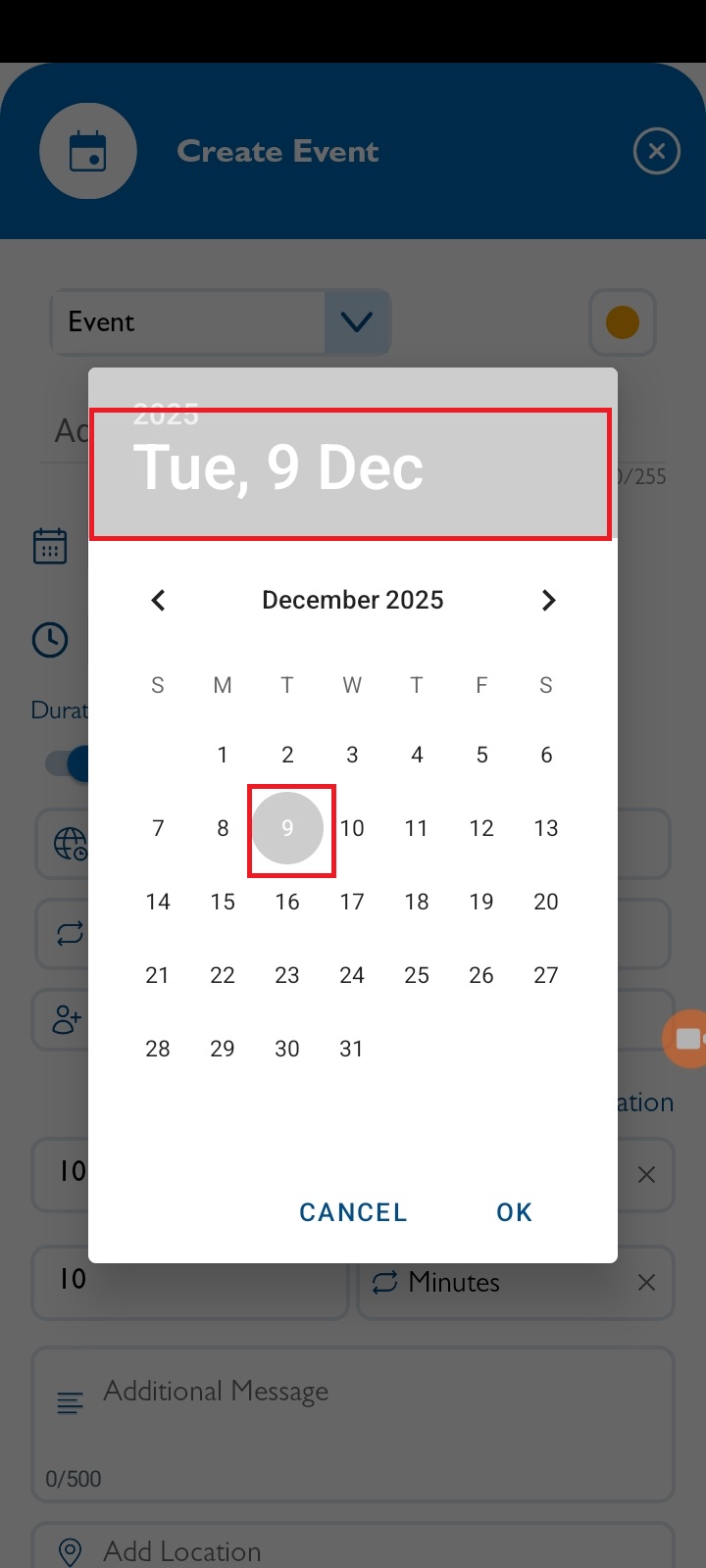
openCreate / Edit Calendar : Date Selection color issue in Calendar
Start date:
12/09/2025
Due date:
% Done:
0%
Estimated time:
Description
Steps:
- Log in to VitaGist.
- Click the Calendar icon at the top-right.
- Create a new event and select a date in the calendar.
- The month selection and screen should display with the correct colors.
Note : Applicable for Reminder events as well.
Files
Actions