Actions
Bug #6810
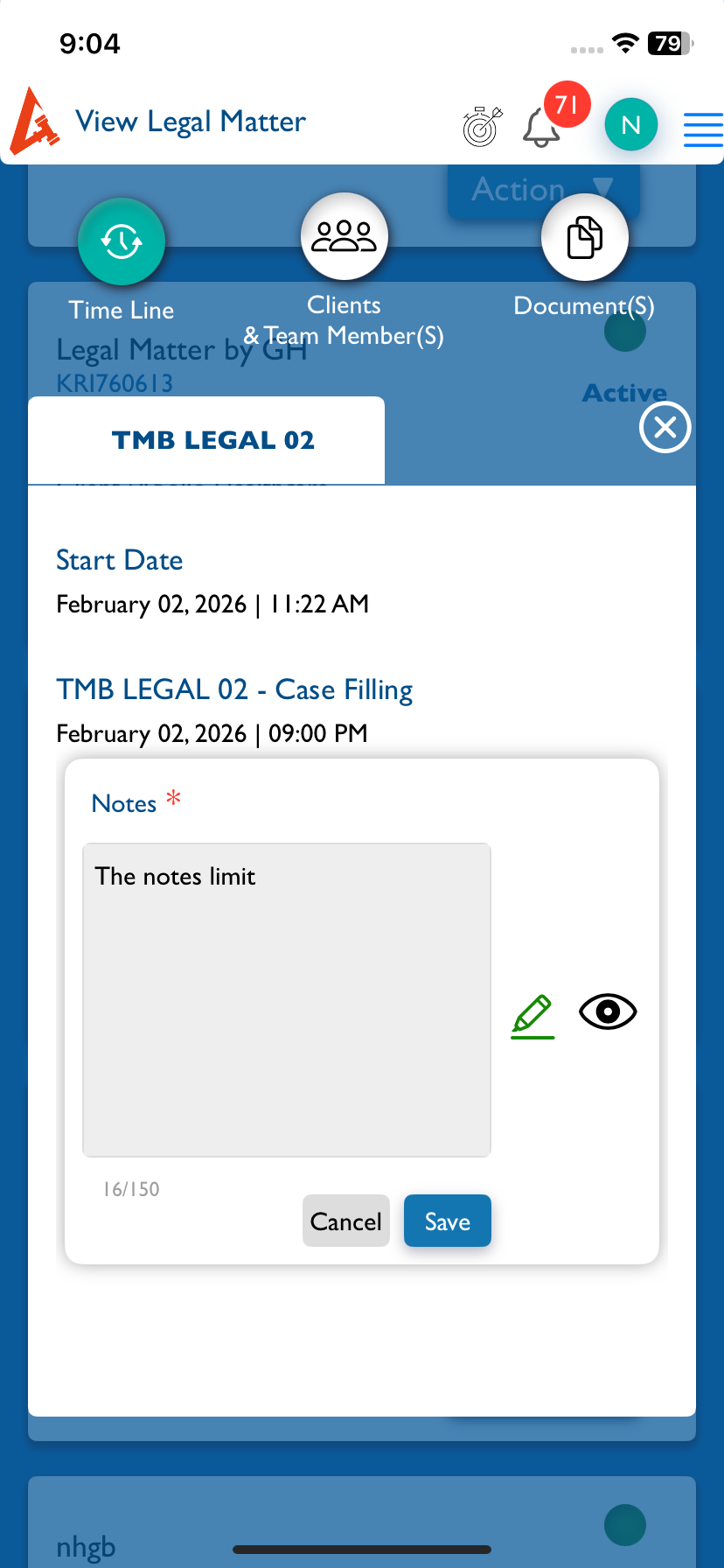
closedMatter (View): In the Timeline view, the notes input field’s character limit should be displayed below the field, as per iOS
Start date:
02/02/2026
Due date:
% Done:
0%
Estimated time:
Description
Steps:-
1.Login with LexiZ
2.Go to Matter module
3.Select the View Matter
4.Click on action and select view details
5.On the Timeline page Add Notes fieds will appear
6.Enter the text field into the fields
7.There below Character limitation should displayed as per iOS
Please refer the Attachment
Files
Actions