Actions
Bug #6477
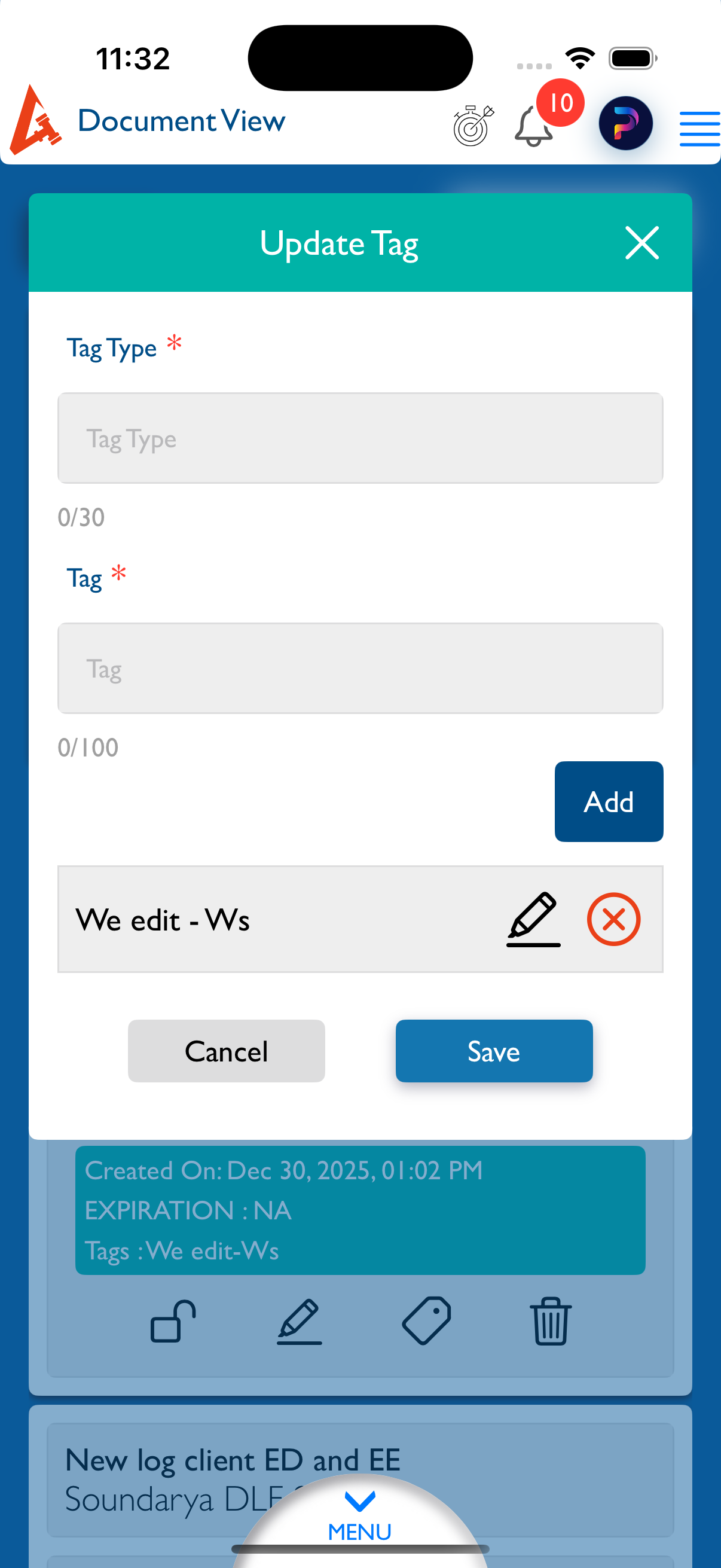
openView Document : Updated tags are not displayed for editing in Document View.
Start date:
12/30/2025
Due date:
% Done:
0%
Estimated time:
Description
Steps to Reproduce:
- Login to Lexiz.
- Click on Menu.
- Click on Document Module.
- Open the View Document page.
- Click on the Matter radio button.
- Select any Matter.
- From the document list, select any document.
- Click on Tags.
- Enter values in Tag Type and Tag fields.
- Click Add and then Save.
- Click on Tags again (or click Edit under Tags for a newly uploaded document).
Actual Result:
The existing tag entries do not appear.
Expected Result:
Previously added tags should be displayed and available for editing.
Note:
Applicable for all user accounts.
Applicable for Matter, Firm, and Clients.
Files
Actions