Actions
Bug #6819
closedEdit Event - Editing an all-day event date from the timesheet causes the event to move to an incorrect date in the Meetings module.
Start date:
02/04/2026
Due date:
% Done:
0%
Estimated time:
Description
- Create an all-day event on February 3.
- Open the event from the Timesheet module.
- Edit the event date to February 4.
- Click Update Both.
- Navigate to the Meetings module.
- Switch to View.[Day / week/ Month view]
Actual Result:
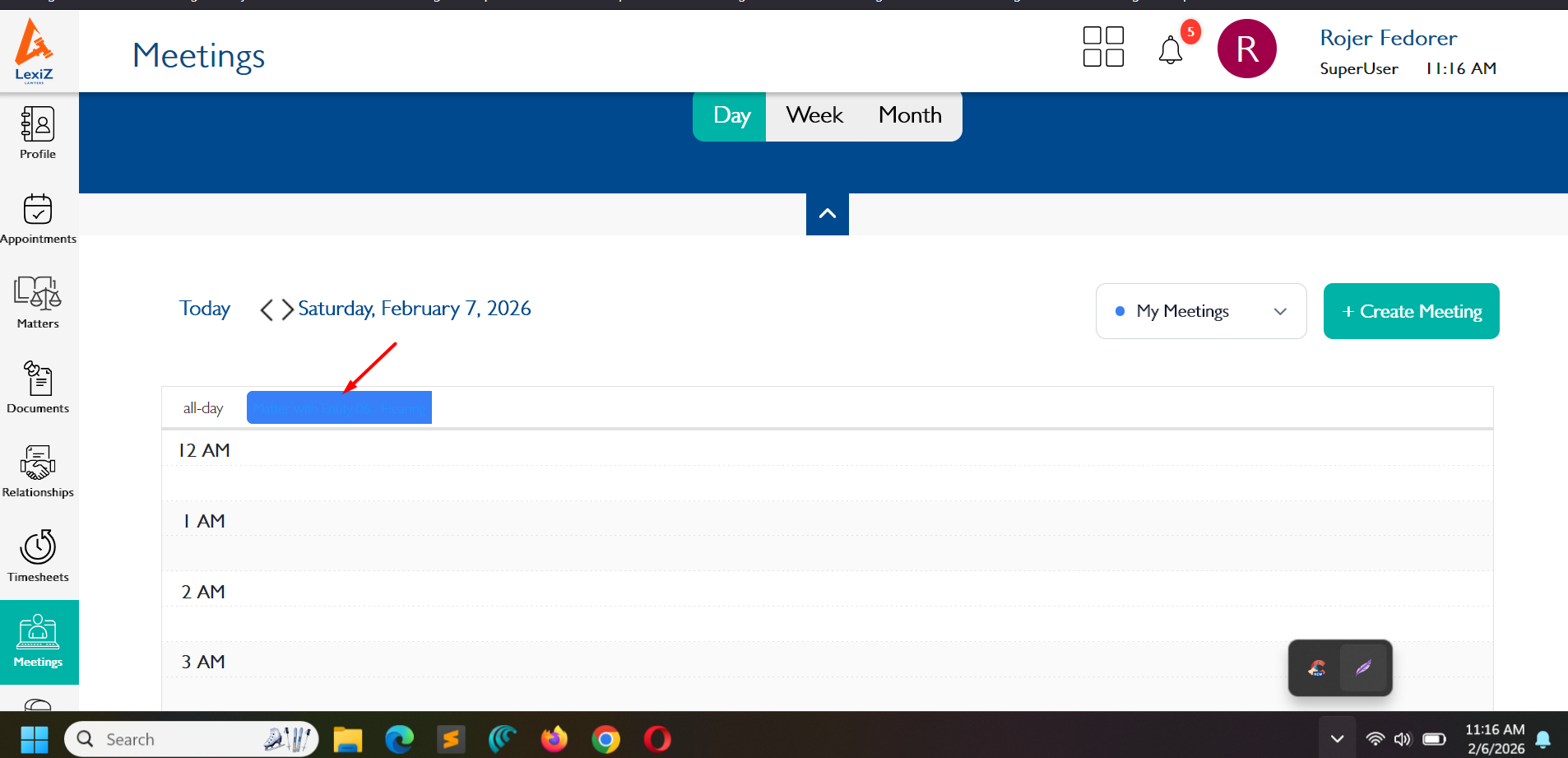
- The event is moved to February 5 instead of February 4.
- The all-day event appearance is not displayed properly in Day View.
- The event should appear on the correct date in the Meetings module.
- The all-day event should be displayed properly in Day View without any UI issues.
https://drive.google.com/file/d/1IWveE49TptiD4sDJImgaFWKIWHDhXXBR/view?usp=drive_link
Files
Actions