Bug #6479
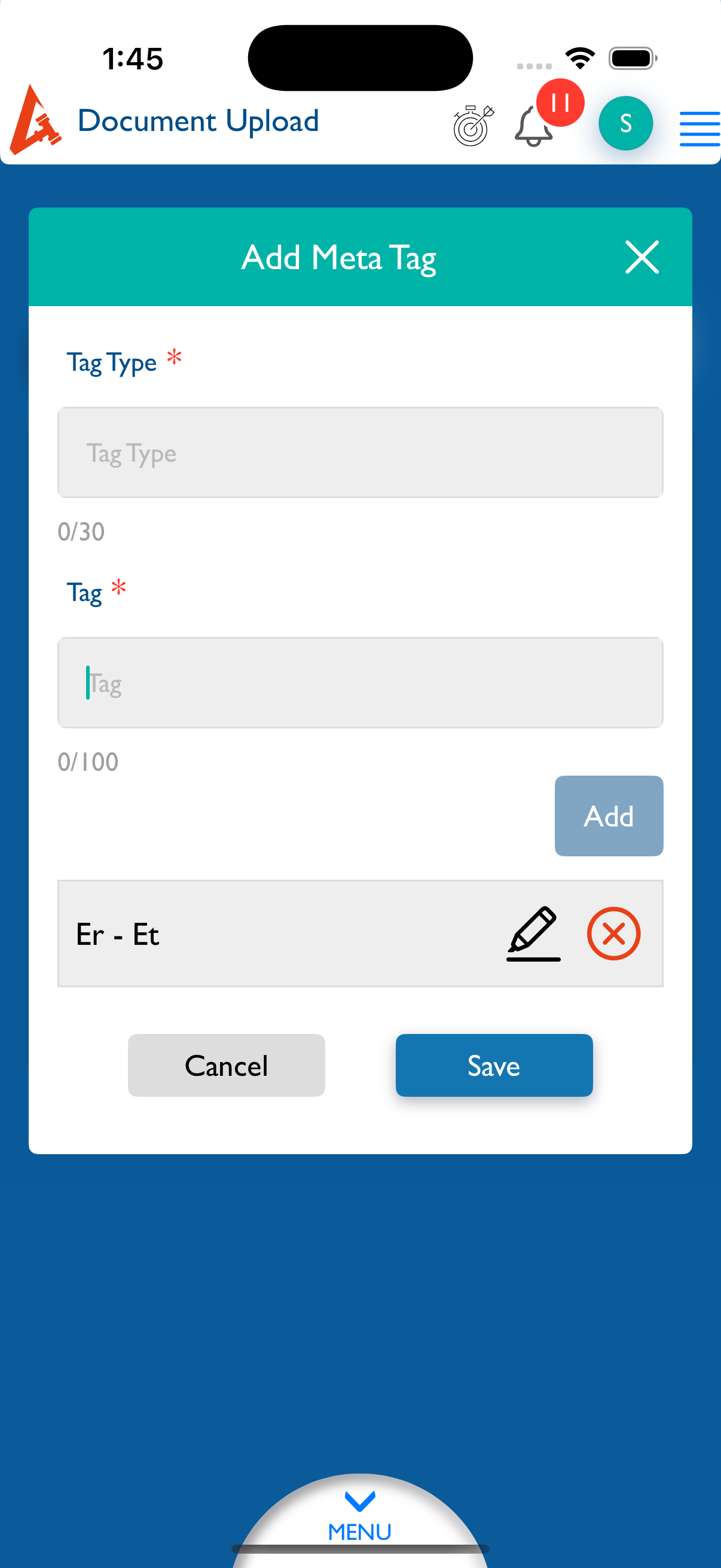
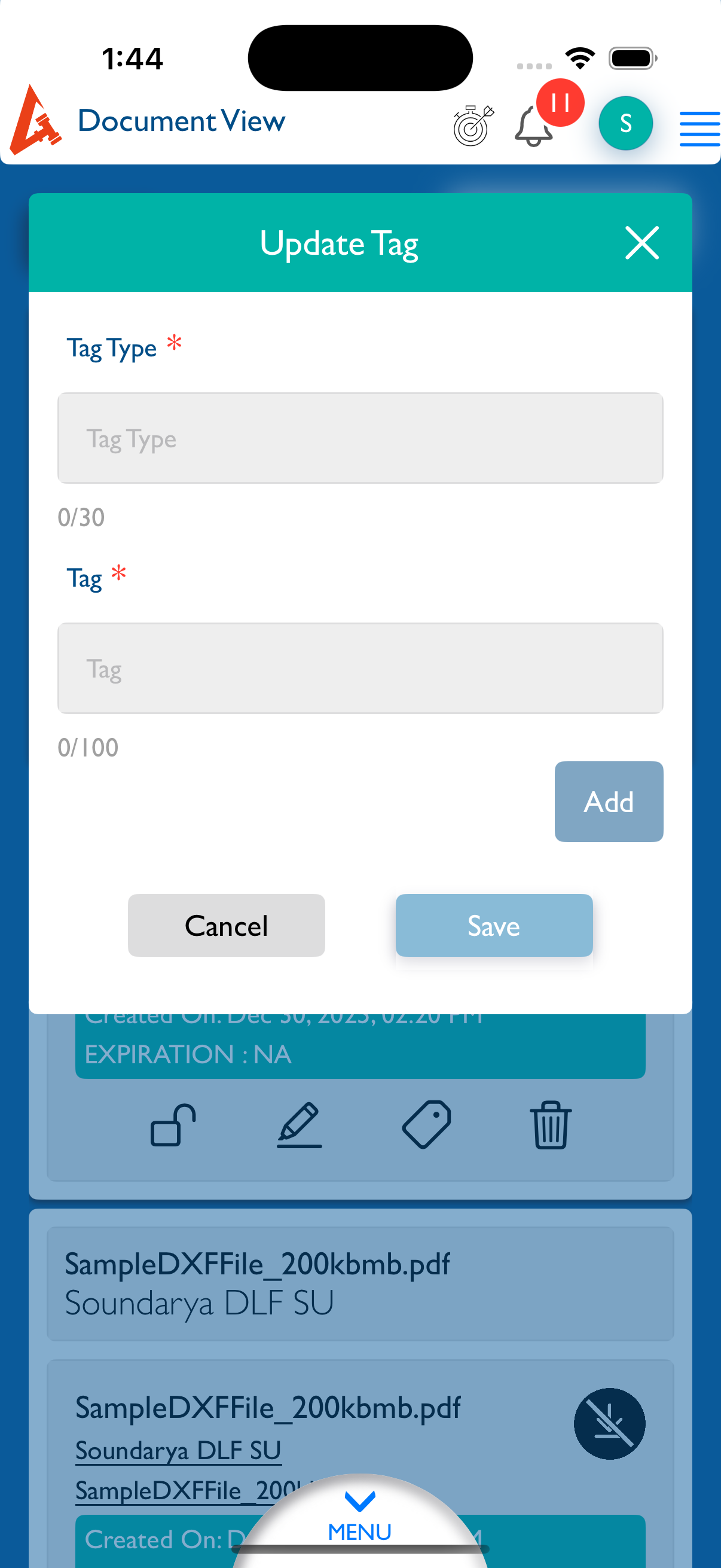
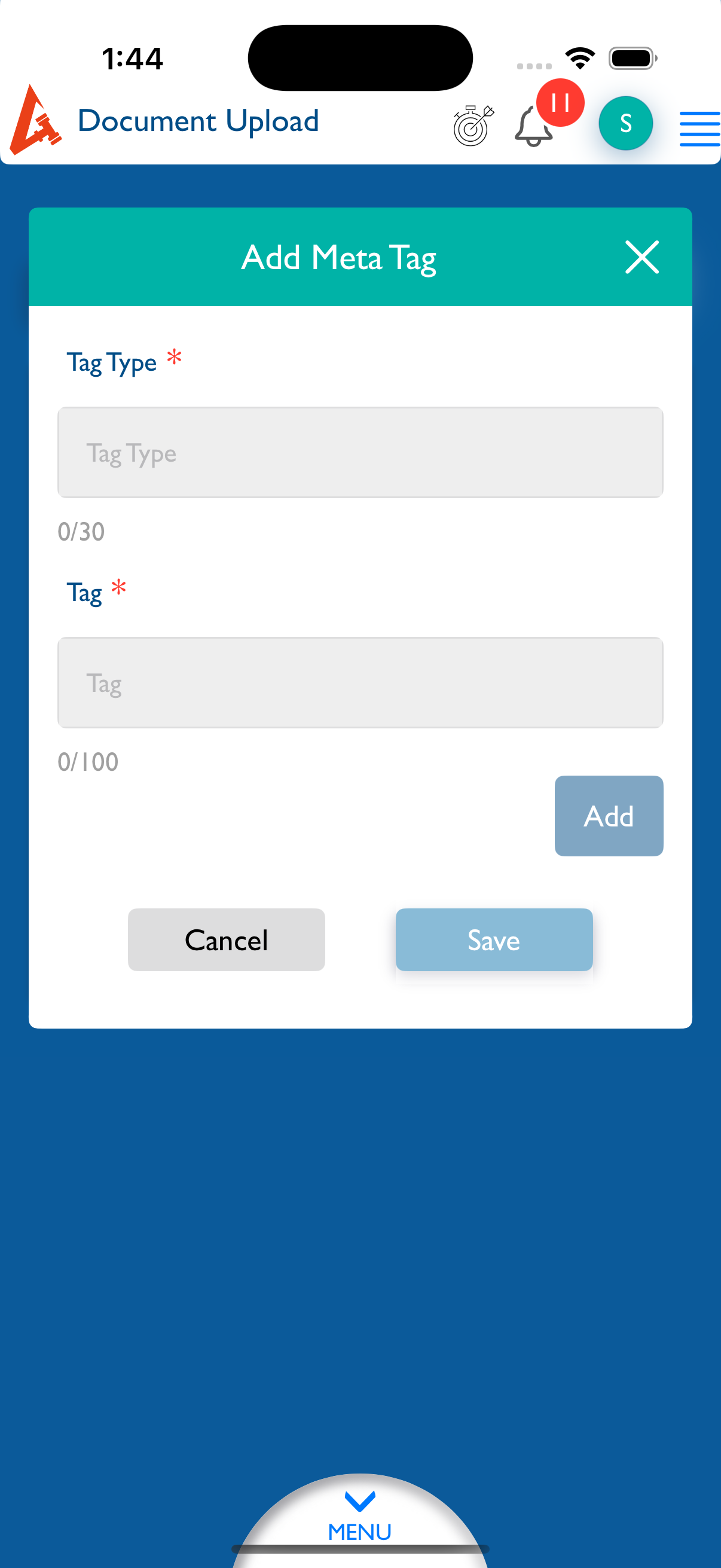
closedDocument - Upload - Add Tags : The Save button should be disabled until text is entered in the Tags field.
0%
Description
- Log in to Lexiz.
- Click on the Menu and select the Document module.
- Click Upload New and select the Matter radio button.
- Click Browse, select any document, and then click Edit.
- Click Add Tags without entering any text.
Expected Result:
The Save button should be disabled until text is entered in the Tags field.
Actual Result:
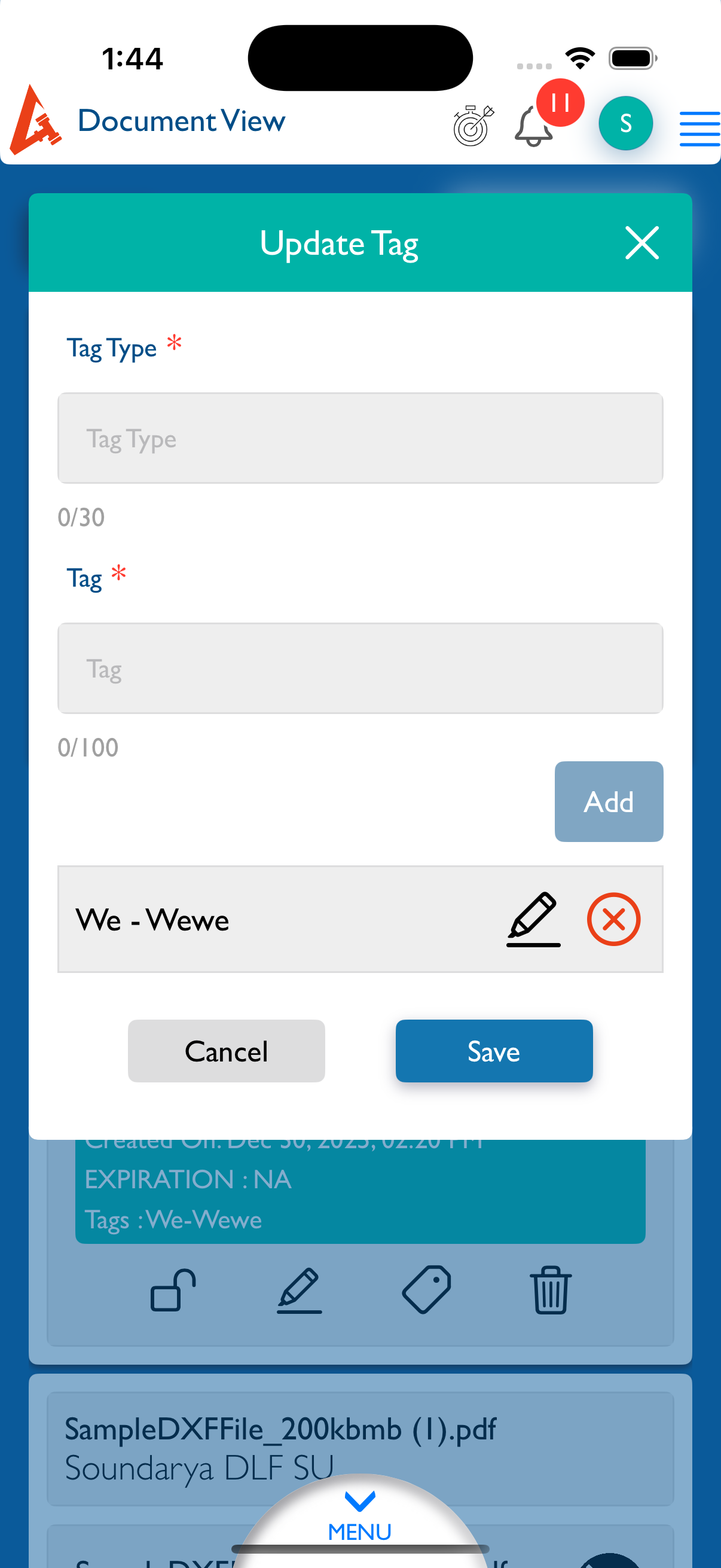
The Save button remains enabled even when the Tags field is empty.
Notes:
Applicable to all user accounts.
Applicable for Matter, Firm, and Client documents.
Files

Updated by kumar r about 1 month ago
- File Simulator Screenshot - iPhone 16 Pro - 2025-12-30 at 13.45.39.png Simulator Screenshot - iPhone 16 Pro - 2025-12-30 at 13.45.39.png added
- File Simulator Screenshot - iPhone 16 Pro - 2025-12-30 at 13.44.54.png Simulator Screenshot - iPhone 16 Pro - 2025-12-30 at 13.44.54.png added
- File Simulator Screenshot - iPhone 16 Pro - 2025-12-30 at 13.44.39.png Simulator Screenshot - iPhone 16 Pro - 2025-12-30 at 13.44.39.png added
- File Simulator Screenshot - iPhone 16 Pro - 2025-12-30 at 13.44.34.png Simulator Screenshot - iPhone 16 Pro - 2025-12-30 at 13.44.34.png added
- Status changed from New to Fixed - Pushed to Staging
- Assignee changed from kumar r to Anonymous
Updated.
Updated by Neela Chinnappa about 1 month ago
- File clipboard-202601051542-7p12r.png clipboard-202601051542-7p12r.png added
- Status changed from Fixed - Pushed to Staging to New
- Assignee changed from Anonymous to kumar r
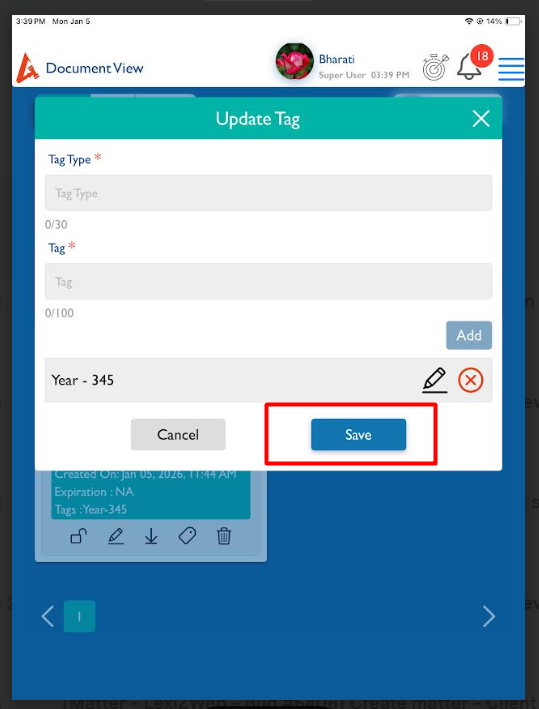
View Documents - Update Tag - Save button remains enabled even when the tags field is empty [Make sure tag should already added to that document]
Note: This issue is applicable Both create and view matter - view details - Documents
Updated by kumar r about 1 month ago
- Status changed from New to Feedback
- Assignee changed from kumar r to Neela Chinnappa
I think we have enable the save button, if user need to remove the added tags and save changes means current flow not supporting for that. We should enable the save save button. Add button is tag field dependent save button not depend either add or remove save should update the last changes to document.
Updated this flow but in api not updating the tag remove, informed to change.
Updated by Anantha kumar about 11 hours ago
- Status changed from Feedback to Closed