Actions
Bug #6478
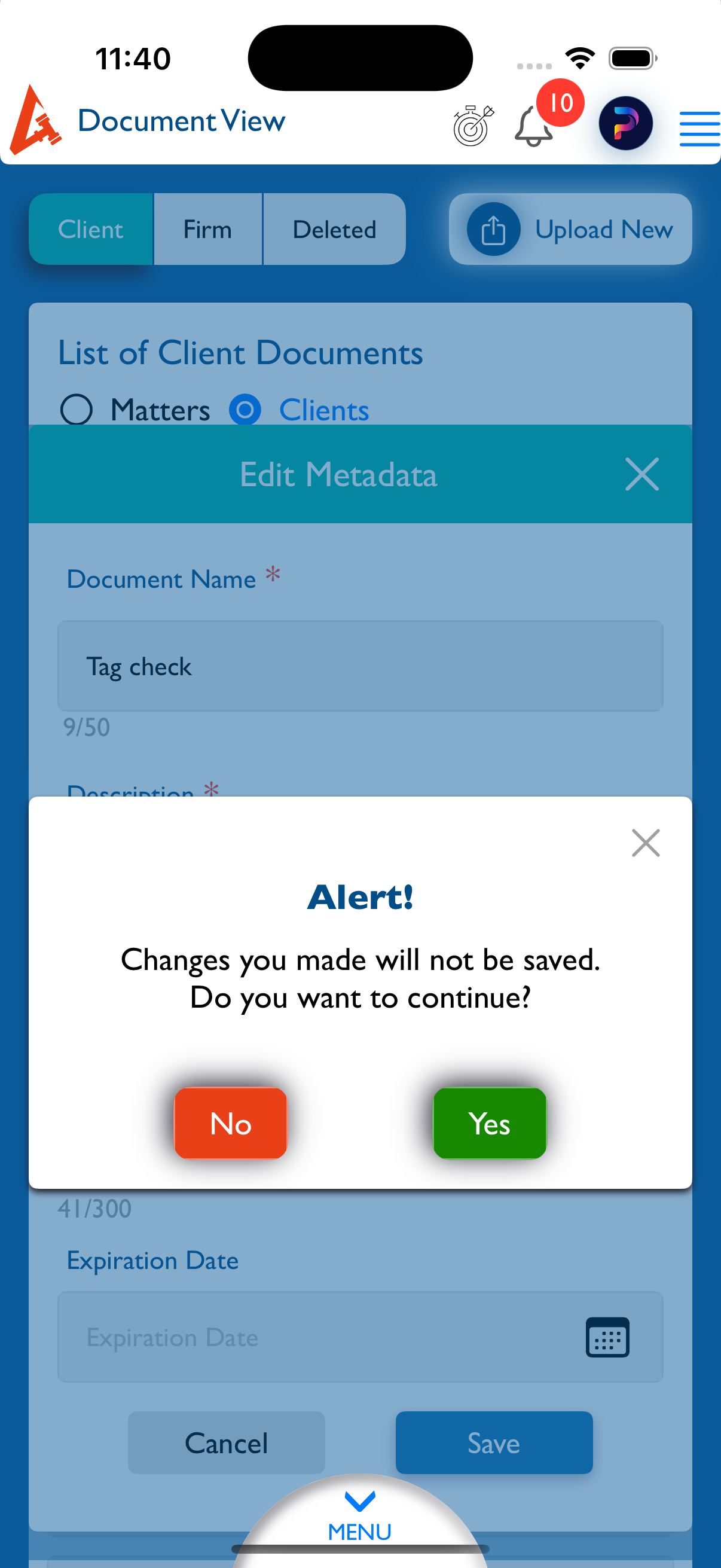
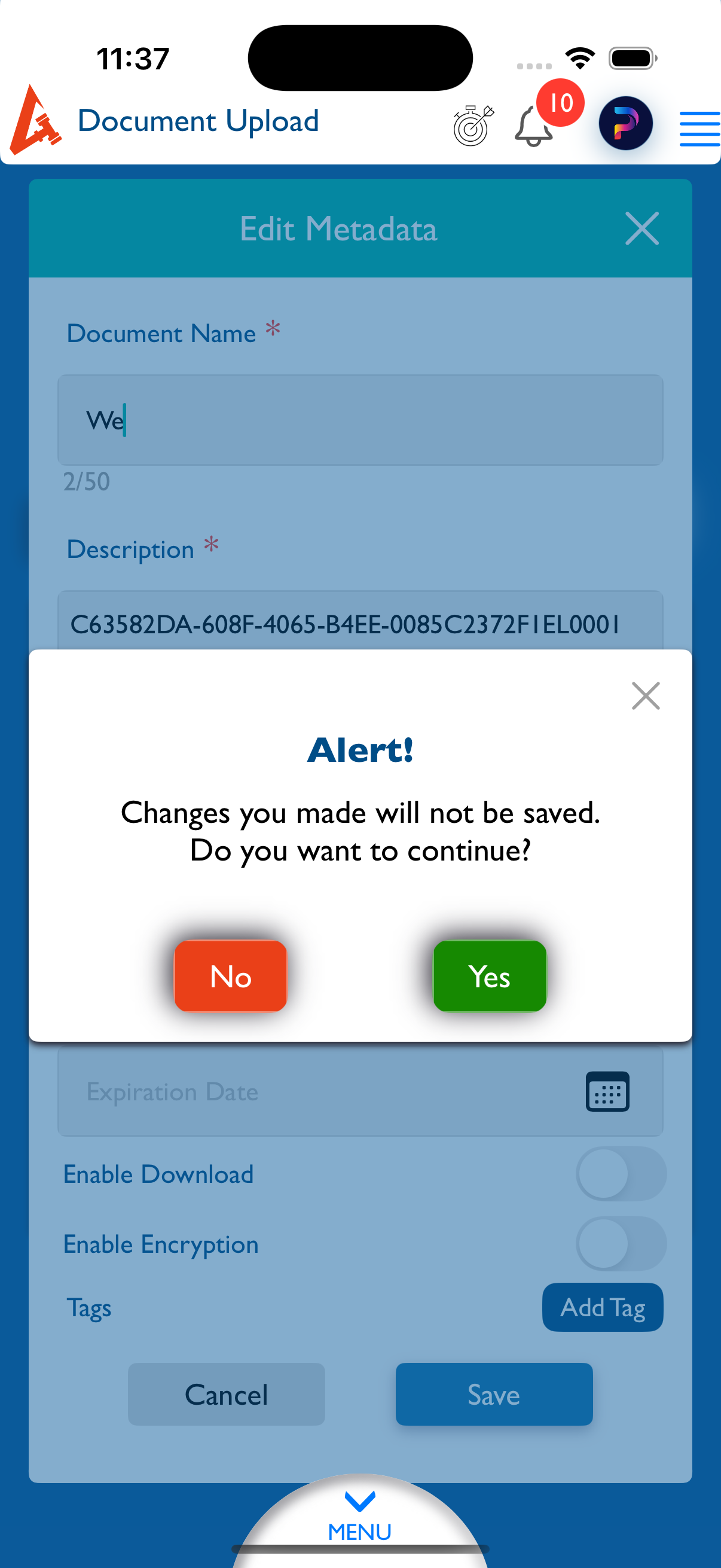
openDocument - Upload / Edit : Alert message not displayed when canceling Edit Metadata changes.
Start date:
12/30/2025
Due date:
% Done:
0%
Estimated time:
Description
Steps to Reproduce:
- Login to Lexiz.
- Click on Menu.
- Click on Document Module.
- Click on Upload New.
- Select the Matter radio button.
- Click on Browse and upload any document.
- Click on Edit metadata.
Modify any of the following:
Expiration date or Enable download or Encryption or Tags , Click on Cancel.
Actual Result:
No alert message is displayed.
Expected Result:
An alert message should appear to confirm canceling and discarding the changes.
Note:
Applicable for all user accounts.
Applicable for Matter, Firm, and Clients.
Applicable for Edit screen as well.
Files
Updated by kumar r 4 days ago
- File Simulator Screenshot - iPhone 16 Pro - 2025-12-30 at 11.40.25.png Simulator Screenshot - iPhone 16 Pro - 2025-12-30 at 11.40.25.png added
- File Simulator Screenshot - iPhone 16 Pro - 2025-12-30 at 11.37.16.png Simulator Screenshot - iPhone 16 Pro - 2025-12-30 at 11.37.16.png added
- Status changed from New to Fixed - Pushed to Staging
- Assignee changed from kumar r to Vengadeshwaran R
Updated.
Actions