Actions
Bug #6471
closedFirm Profile: When attempting to upload low-quality (small-sized) images, a warning message should appear.
Start date:
12/29/2025
Due date:
% Done:
0%
Estimated time:
Description
Steps:-
1.Login with LexiZ
2.Go to the Firm profile module
3.Click on Edit profile
4.Browse the 1kb image file from local disk
5.Click on upload, it's successfully uploaded
6.There is an warning message should appear for upload the high-quality image
Please refer the Attachment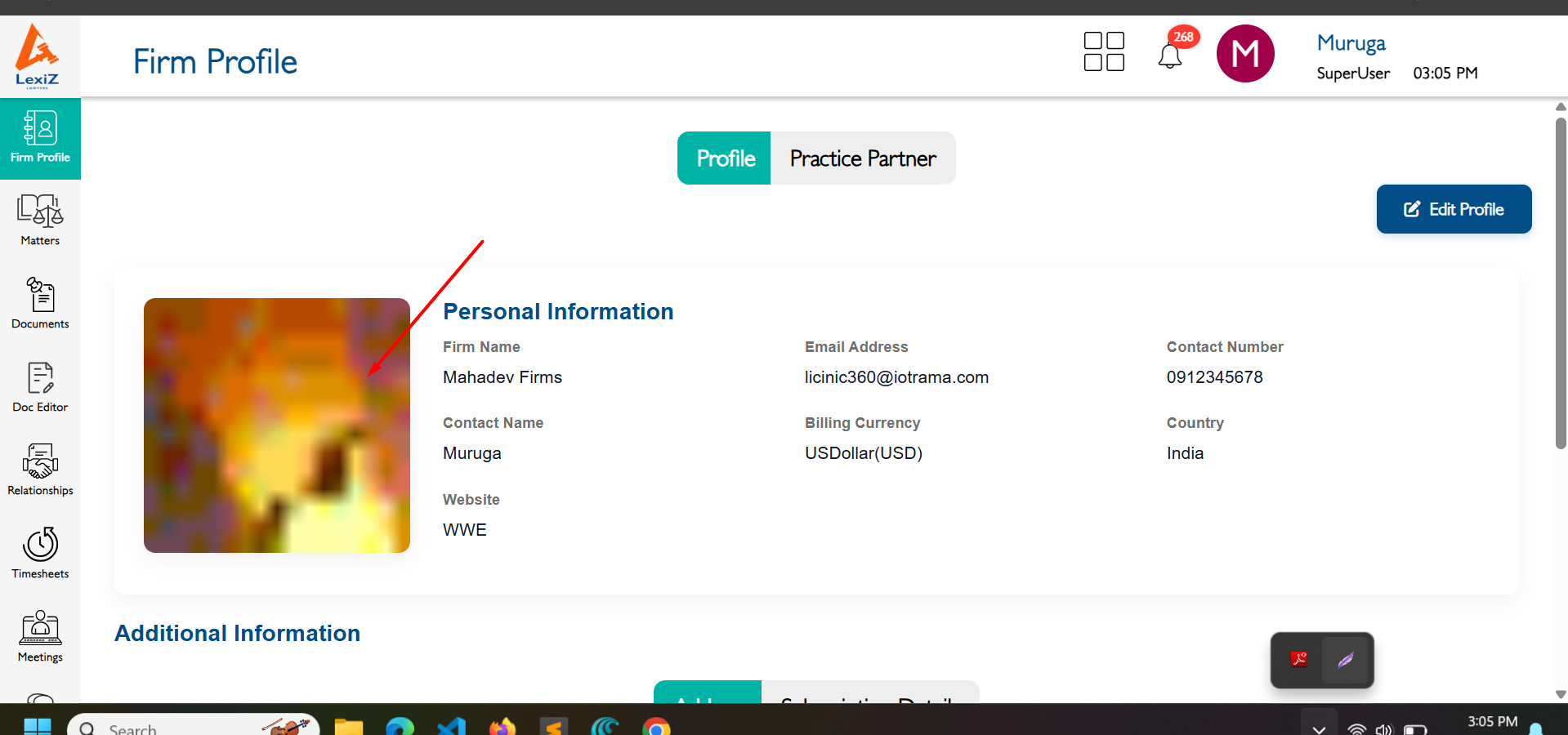
Files
Actions