Actions
Bug #6436
openView Document: “List of Documents not available!!” Message Not Displayed when select client or matter or Firm doesnot have any documents.
Start date:
12/24/2025
Due date:
% Done:
0%
Estimated time:
Description
Steps:
- Login to Lexiz.
- Click the hamburger menu on the right side.
- Click on Documents.
- Click on the Matter tab.
- Select a matter.
Issue:
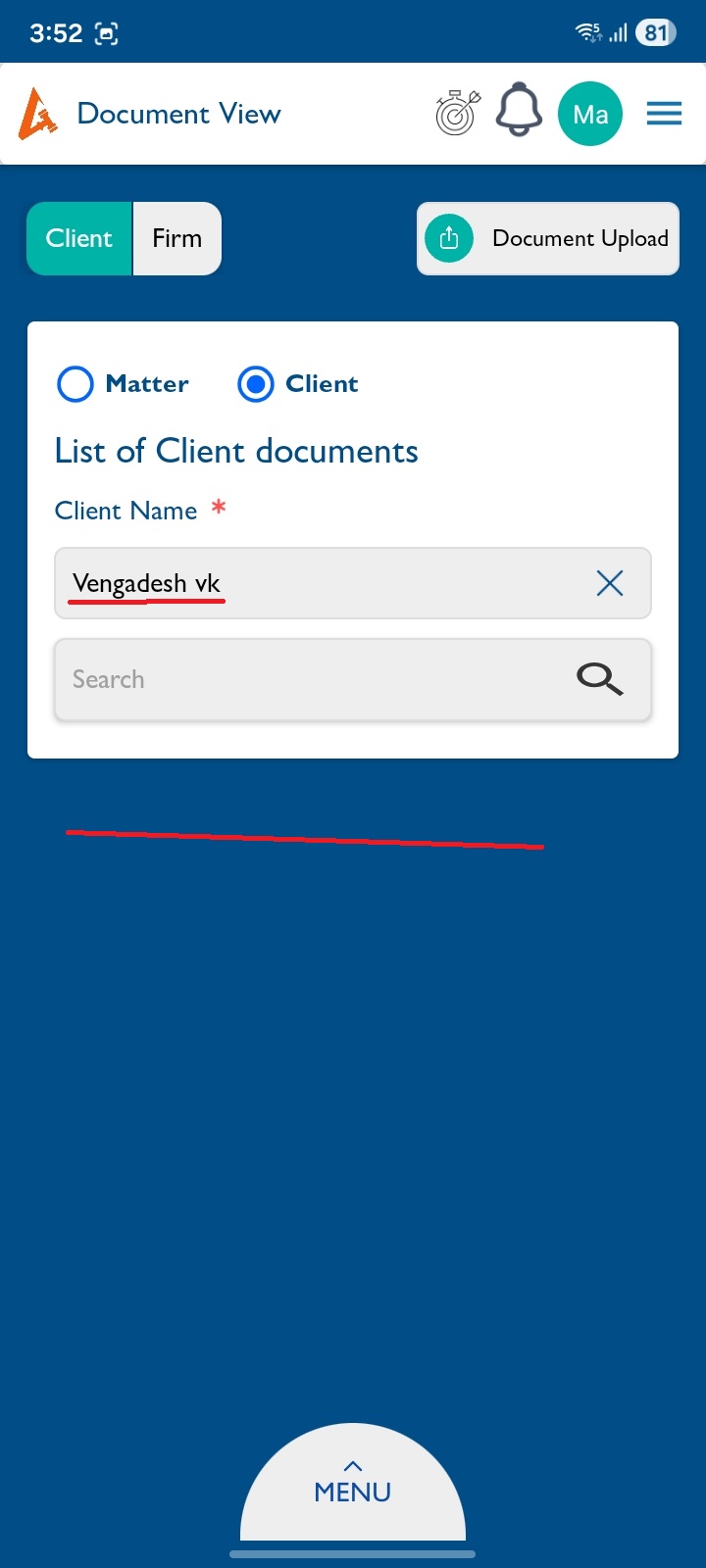
When the selected matter has no documents, the message “List of Documents not available!!” is not displayed.
Expected Result:
If the selected matter (or client/group) has no documents, the message “List of Documents not available!!” should appear below.
Note : Applicable for matter , client and firm(groups).
Files
No data to display
Actions